BeeDone vs TickTick: Plan Your Day or Actually Start It? (2026)
It’s 2:40 pm. Your TickTick calendar is beautiful. The afternoon is split into neat blocks, each task has a color, and the one that matters, “write the client proposal”, has been dragged from Monday to Tuesday to today.
You know exactly what to do. You just can’t start it. So you open Instagram “for a second”, and forty minutes later the block is gone and the guilt has moved in.
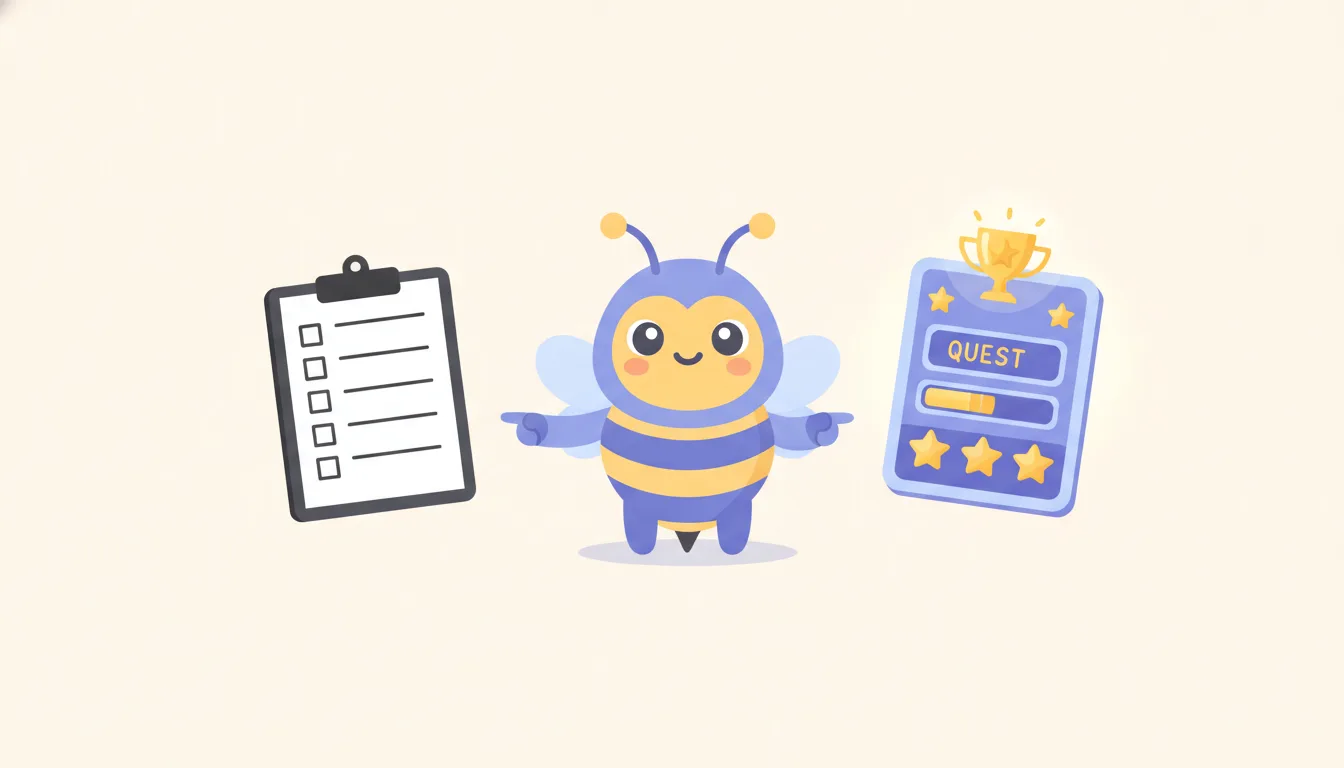
That moment is the whole BeeDone vs TickTick question. One app is very good at showing you where the work fits. The other is built for the second before the work begins. Pick the one that matches the moment your day actually breaks.
Our short answer: if your problem is time, start with TickTick. If your problem is starting, try BeeDone. If you have both problems, read the trial section before you migrate anything.
We’re the BeeDone team, so read this with that in mind. We checked TickTick’s official features, home and plans pages on November 17, 2026. This is a feature-based comparison, not a lab test.
BeeDone vs TickTick at a glance
| What you need | TickTick | BeeDone |
|---|---|---|
| See tasks against your calendar | Yearly, monthly, weekly, agenda, multi-day and timeline views (several are Premium) | Task list and routines, not a calendar planner |
| Prioritize a long list | Eisenhower Matrix, tags, filters, Kanban | Not its strength |
| Break a vague task down | AI Assistant can break down projects (listed under Premium AI features) | AI task splitting, free once unlocked at 85 XP |
| Get told what to do next | Not documented | Task Roulette picks the next task (Pro, unlocks at 120 XP) |
| A reward the second you finish | Statistics and habit check-ins | XP on every finished step, levels, mini-games |
| Timed focus | Pomodoro timer | Deep Work timer (free) |
| Habits | Habit Tracker (more habits on Premium) | Up to 3 habits free, unlimited on Pro |
| Keep you out of escape apps | Not documented | Doomscroll Blocker on iOS and Android (Pro, unlocks at 100 XP) |
| Sharing with others | Collaboration on lists | Built for one person |
| Pricing | Free and Premium plans | Free plan; Pro $7.99/month on the web or $9.99/month in the app stores |
We kept TickTick’s pricing qualitative on purpose. Prices change by region and by promotion, and the plan page is the only number that counts.
Where TickTick is genuinely better
TickTick is a serious planner, and it’s fair to say so first.
The calendar is the product. TickTick documents six calendar layouts plus List, Kanban and Timeline views. If your days are full of meetings and you need to see that a two-hour task cannot fit in a twenty-minute gap, that view does real work. No reward animation creates hours you don’t have.
It’s built for a long list. Tags, filters, smart lists and the Eisenhower Matrix let you sort a hundred tasks without losing one. BeeDone is not trying to win that contest.
It has real AI now. Older comparisons say “TickTick has no AI”. That’s out of date. Its home page lists AI Voice Capture (speak several tasks, it extracts dates and priorities), Recording Summary and an AI Assistant that can “break down projects with a single instruction”. On the plans page those sit under Premium.
It’s calm. No XP, no bee, no confetti. If game mechanics feel childish to you, that’s a preference, not a character flaw, and TickTick is the better home.
Where TickTick stops: the start line
Here’s the gap. Nothing on TickTick’s features page is about the moment you stare at the task and don’t move. The Pomodoro timer assumes you’ve already started. The calendar tells you when, not how to begin.
That matters because starting is where a lot of delay lives. In a large meta-analytic review of procrastination research, Piers Steel (2007, Psychological Bulletin, 691 correlations) found that how aversive a task feels, low confidence in doing it, and impulsiveness were among the most consistent predictors of putting it off. A tidier schedule doesn’t change any of those three. The limit: most of the data is correlational and much of it comes from student samples, so it shows what goes with delay, not what causes it.
There’s also decent evidence that deciding the exact first move helps. Gollwitzer and Sheeran’s 2006 meta-analysis of 94 tests found that “if-then” plans (“when I sit down after lunch, I open the proposal doc”) had a medium-to-large effect on reaching goals. Later analyses that correct for publication bias put the effect noticeably lower, so treat it as a useful nudge, not a switch.
That’s the space BeeDone is built for.
Where BeeDone Fits
BeeDone is a to-do list designed with ADHD brains in mind, for people who know what to do and freeze at the start. It is not a medical app, and it won’t plan your week for you.
What it does, on that same proposal:
It shrinks the task. You type “write the client proposal” and either write the tiniest step yourself (“open last month’s proposal”) or let AI task splitting cut it into small steps. Splitting is free once you’ve earned 85 XP. Delete any step that adds ceremony; a generated list is a suggestion, not a boss. We go deeper on why this works in task chunking.
It picks for you when you can’t. Three tasks, all equally urgent, and you’re frozen choosing. Task Roulette spins and hands you one. That removes a decision at the exact moment decisions feel heavy, the trap we describe in task paralysis and decision fatigue. Roulette is a Pro skill that unlocks at 120 XP.
It pays you immediately. Finish the two-minute step and the XP lands right then, sometimes with a bonus. It sounds small. For a brain that doesn’t feel next month’s reward, “right now” is the part that counts.
It puts the next step in front of the scroll. With Pro, the Doomscroll Blocker uses Apple’s Screen Time on iPhone or usage access on Android, so the apps you escape into open only once you’ve done enough, not everything. It isn’t in the web app, and on iOS you can revoke the permission in Settings. It’s a speed bump, not a cage.
Dopa, the AI coach, is a single bee whose tone adapts to how you’re doing. Useful for a nudge, not a replacement for a person who knows your life.
When BeeDone is the wrong choice
Be honest with yourself here.
- Your calendar is the problem. If you’re overbooked, BeeDone won’t fix it. Cut or renegotiate the work, and use a real planner like TickTick.
- You need a shared team list. BeeDone is built for one person’s execution. Keep team work where your team already is.
- You hate game mechanics. XP and levels are the engine. If they irritate you, the app will too.
- You live on a big desktop calendar. BeeDone runs on iOS, Android and the web, but it isn’t a desk-first planner.
A 7-day trial that doesn’t eat your week
Don’t migrate your whole backlog. That’s a weekend project, and it feels productive while producing nothing, the planning trap again.
- Pick one task you’ve been avoiding. Not a demo task. The one that’s rolled over at least three times.
- Days 1 to 3 in your current setup (TickTick or anything else). Each day, note one line: did you start it, yes or no?
- Days 4 to 7 in BeeDone. Shrink the task to a two-minute step before anything else. Note the same yes/no.
- Keep shared deadlines where they are. Two full copies of your life is a new chore.
- Decide on the yes/no count, not the novelty. If neither app moved the avoided task, the issue may be the task or the workload, not the tool.
It’s not a scientific test. Sleep, meetings and the task itself change the result more than any app. It’s just enough signal to stop guessing.
Can you use both?
Yes, and for some people it’s the honest answer. Plan the week in TickTick, then move the one task you keep dodging into BeeDone and shrink it there. The cost is a second app to remember, which is exactly the thing many of us quit after three days. If you go this way, keep BeeDone for the stuck tasks only.
If you’re also weighing a classic list app, our BeeDone vs Todoist comparison makes the same “list or start” distinction.
Frequently Asked Questions
Is BeeDone a good TickTick alternative?
BeeDone is a good alternative if your main problem is starting tasks rather than scheduling them. If you rely on calendar views, Kanban boards or shared lists, TickTick does more of that, and BeeDone won’t replace it feature for feature.
Does TickTick have AI features in 2026?
Yes. TickTick’s home page lists AI Voice Capture, Recording Summary and an AI Assistant that can break down projects, and its plans page places these AI features in Premium. We checked both pages on November 17, 2026.
Does TickTick help you start a task you keep avoiding?
TickTick offers a Pomodoro timer and an AI Assistant for breaking down projects, but nothing on its features page is aimed at picking your next task or rewarding the first step. Its strength is planning when work happens.
What does BeeDone cost compared with TickTick?
Both have a free plan. BeeDone Pro is $7.99 per month on the web with a 7-day trial, or $9.99 per month in the app stores, and Legend is $120 once. TickTick sells a Premium plan; check its plans page for your region’s price.
Is AI task splitting free in BeeDone?
Yes. AI task splitting is free and unlocks once you’ve earned 85 XP by finishing tasks. Task Roulette and the Doomscroll Blocker are Pro skills that also unlock with XP.
Is BeeDone made for ADHD?
BeeDone was designed with ADHD brains in mind, for anyone who freezes at the start of a task, diagnosed or not. It is not a medical app and doesn’t diagnose or treat anything; if focus problems are affecting your life, talk to a health professional.
BeeDone is available on iOS and Android. The app includes tasks, habits, routines, deep work, AI coaching with Dopa, and built-in mini-games in a single gamified to-do system.