Apps That Lock TikTok Until You've Done Your Tasks: 6 Options Compared (2026)
It’s 3:40 p.m. The thing you have to do today has been sitting there since 9. You opened TikTok to “reset for a second,” and now you know far more than you wanted to about a man restoring a rusty knife.
So you search for an app that locks TikTok until you’ve done your tasks. Good news: that app exists. Slightly worse news: there are now a dozen of them, and they don’t solve the same problem.
Some take your phone away. Some make you wait. Some make you earn it back. Only a couple care about the part that actually hurts, which is getting started at all.
We make one of these apps, so read this with that in mind. We’ve tried to be fair, including about where BeeDone loses.
The short version
| App | How it stops the scroll | What you do to get the app back | Helps you start the task? | Best for |
|---|---|---|---|---|
| Opal | Scheduled blocks and focus sessions | Wait for the session to end | No | People who know what to do and just need the phone gone |
| one sec | A breathing pause before the app opens | Wait a few seconds, then decide | No | Breaking the automatic “open TikTok” reflex |
| Unrot | Locks apps behind a daily effort | Complete habits or challenges | A little | Habit people who like a coin system |
| TaskLock | Locks apps behind your to-do list | Finish the tasks you set | No | People who already have a clear list |
| Brick | A physical device you tap to lock | Tap the Brick again | No | Anyone who bypasses every software lock |
| BeeDone | Locks apps behind a daily XP goal (Pro) | Do enough today, not everything | Yes, it’s the main point | Frozen starters who know what to do and can’t begin |
Ratings and features change fast in this category. Everything below was checked on the US App Store in November 2026. We kept competitor pricing qualitative on purpose, because it changes too often to quote.
Why “just block it” usually isn’t enough
Blocking works on the symptom. That’s fine if your problem is the symptom.
But if you’ve read r/ADHD for more than ten minutes, you know the pattern goes the other way. The scroll isn’t the reason you didn’t start. It’s where you went because you didn’t start. The task felt huge, or vague, or boring in a way that physically hurts. Your phone was the nearest exit.
Take the exit away and two things can happen. You start the task, great. Or you sit there, phone locked, still frozen, and drift to YouTube on the laptop, the fridge, or a sudden urge to reorganize the spice rack.
That’s the honest test for any app on this list: when the lock is on, what does it give you to do instead?
Opal: the polished blocker
Opal is the best-known name here, with roughly 91,000 ratings on the US App Store. It’s a well-built screen-time blocker: schedules, deep focus sessions, reports on how much you’ve cut down.
Where it’s strong. It looks good, it’s reliable, and the scheduling is flexible. If your day is clear and your only problem is reaching for Instagram, Opal does that job well.
Where it falls short for frozen starters. It doesn’t know what your task is. When the block kicks in, you’re left alone with the same blank page. Some users in reviews also find the gamified “gems” layer a bit much for a tool they want to be serious.
one sec: the pause button
one sec (around 24,000 US ratings) doesn’t really block. When you open a chosen app, it makes you take a breath and wait a few seconds first. Then you decide.
Where it’s strong. It’s light and it respects you. A surprising amount of doomscrolling is pure reflex, a thumb that opens TikTok before your brain has agreed. A five-second gap is often enough to catch it.
Where it falls short. If you’ve already decided to escape, a pause won’t stop you. And like Opal, it has no opinion about what you should do next.
Unrot: earn your scroll with habits
Unrot (about 57,000 US ratings) is the big “earn your screen time” app. You build up time by completing habits and challenges, then spend it on the apps you blocked.
Where it’s strong. The earn-to-unlock idea is right. You get the phone back, but on your terms.
Where it falls short. It’s built around habits, not the specific, ugly task you’re avoiding today. Several reviewers also mention a hard paywall early on, so check the price before you commit to the setup.
TaskLock: your to-do list as the key
TaskLock pairs a to-do list with an app lock. Finish your tasks, your apps come back. It’s a small app that ships updates fast.
Where it’s strong. It ties the lock to real work, not to a timer, which is the right idea.
Where it falls short. It’s close to all-or-nothing. If your list has eight items and you’re frozen on item one, a lock that waits for all eight can feel like a punishment, and punishment is how apps end up deleted on day three.
Brick: the lock you can’t argue with
Brick is a small physical device. You tap your phone on it to lock your chosen apps, and you have to tap it again to unlock. If the Brick is in the kitchen and you’re in bed, you’re not getting TikTok back.
Where it’s strong. It’s the hardest to bypass. Every software blocker on this list can be turned off by someone determined enough in Settings. A Brick in another room can’t.
Where it falls short. It’s a purchase, it has to physically be somewhere, and it does nothing to help you start. It’s a wall, not a door.
BeeDone: the one that hands you the next move
Here’s ours. BeeDone is a to-do app first. The lock came later, and it’s built around one idea: you don’t have to finish everything to get your phone back, you have to do enough.
How it works in practice:
- Shrink the task. You type the thing you’re avoiding. BeeDone helps you cut it down to a first step small enough to do in two minutes.
- Let it pick. When you can’t choose, Task Roulette spins through your tasks and habits and gives you one.
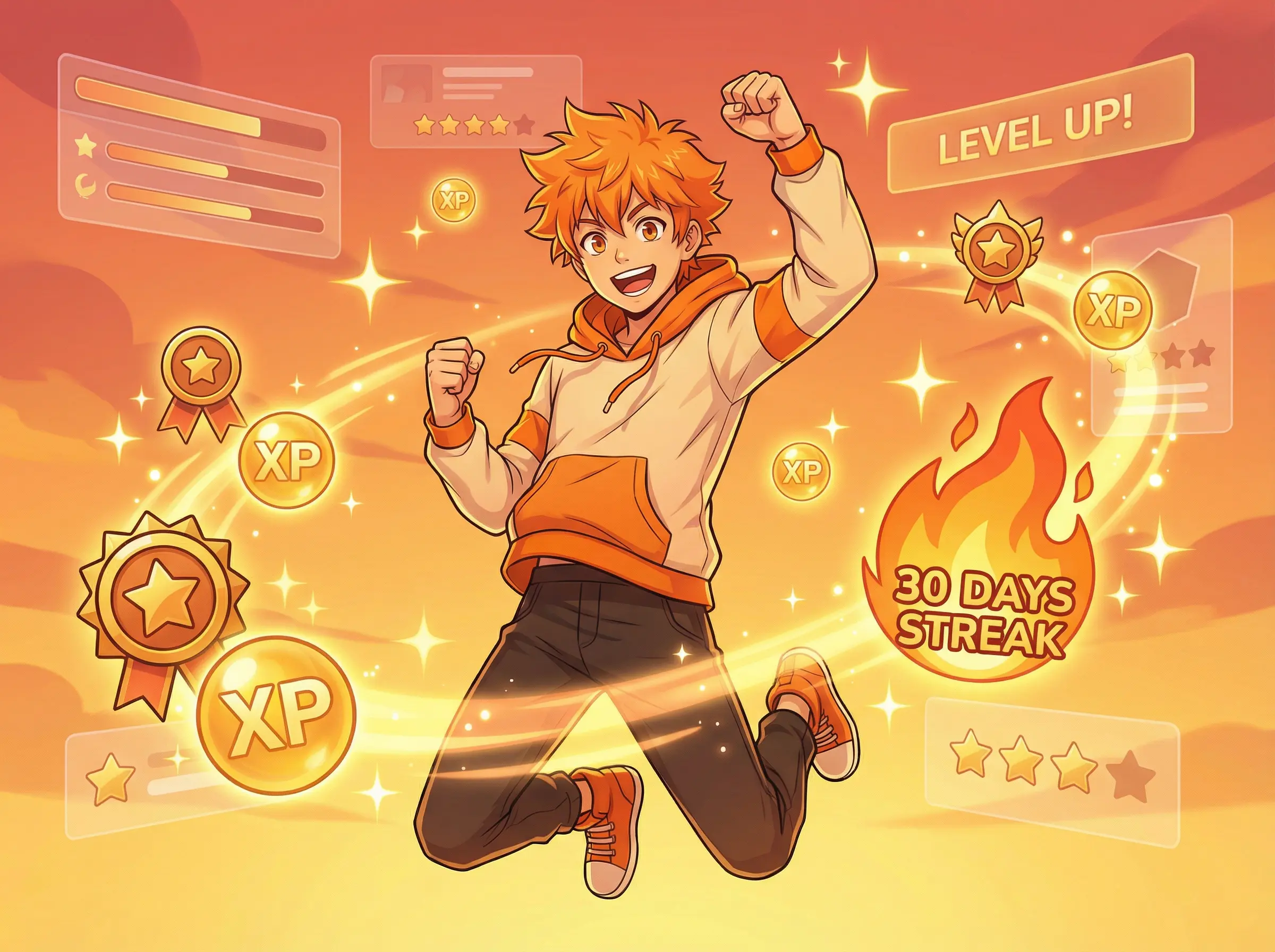
- Get the win right away. Every small step earns XP the second it’s done.
- Earn your apps back. With Pro, the Doomscroll Blocker keeps TikTok, Instagram or whatever you pick locked until you hit a daily XP goal. One small win can be enough. The lock re-arms on its own the next morning.
Where it’s strong. It’s the only app here built for the moment before the work starts. When you hit the lock screen, the next move is already there.
Where it’s honest about its limits:
- The blocker isn’t there on day one. It’s a Pro skill, and it unlocks once you’ve earned 100 XP. Task Roulette (120 XP) is Pro too. AI task splitting is free and unlocks at 85 XP. You build up to them. If you want a lock in the next five minutes, Opal or Brick will get you there faster.
- It works on iPhone and Android, not in the web app.
- On iPhone it uses Apple’s Screen Time system. That’s what makes it a real lock and not a nag screen, but like every Screen Time app, you can revoke the permission in Settings if you really want to. It adds friction. It’s not a cage.
Where BeeDone fits
Pick BeeDone if your honest diagnosis of your day is “I know what to do, I just can’t start it,” and the phone is where you hide when that happens. The lock matters, but the shrinking and the picking are what get you moving.
BeeDone is the wrong choice if:
- You already start easily and only need the phone out of reach. Use Opal or one sec. They’re simpler.
- You bypass every software lock. Get a Brick and put it in another room.
- You want a calm visual timeline of your day. A planner like Tiimo or Structured will suit you better.
- You can’t stand any game elements at all. BeeDone has XP and levels, and they’re part of how it works.
BeeDone is built with ADHD brains in mind, but it isn’t a medical app and it doesn’t treat anything. It’s a to-do list that makes the first step smaller.
How to choose in 30 seconds
- “I start fine, I just get pulled away.” → Opal or one sec.
- “I open TikTok without even noticing.” → one sec.
- “I like habits and I like earning things.” → Unrot.
- “I have a clean list and need a reason to finish it.” → TaskLock.
- “I’ll find a way around any app.” → Brick.
- “I’m frozen on one thing and the phone is my escape.” → BeeDone.
Keep Reading
- Stop Doomscrolling: How BeeDone’s Lock-Screen Mechanism Breaks the Scroll Cycle
- ADHD Task Paralysis: How to Beat Decision Fatigue and Start the Right Task
- BeeDone vs Forest: Which Focus App Actually Works for ADHD and Deep Work? (2026)
- Why You Quit Every Productivity App After 3 Days (and What Actually Sticks)
Frequently Asked Questions
Is there an app that locks TikTok until I finish my tasks?
Yes. TaskLock locks apps until your to-do list is done, Unrot locks them behind habits and challenges, and BeeDone (Pro) locks them until you reach a daily XP goal from tasks and habits. The main difference is how much you have to do: TaskLock tends to wait for the whole list, BeeDone only asks for “enough” for today.
What’s the difference between an app blocker and an earn-your-screen-time app?
An app blocker like Opal or one sec limits access on a schedule or with a pause, whatever you’ve done. An earn-your-screen-time app like Unrot, TaskLock or BeeDone gives the apps back once you’ve done something real. Blockers stop the scroll; earn-to-unlock apps also give you a reason to do the work first.
Can you bypass these app blockers?
Most of them, yes, if you’re determined. On iPhone, every app built on Apple’s Screen Time system, including Opal and BeeDone, can be turned off in Settings. That’s an Apple rule, not a flaw in one app. If you need a lock you truly can’t undo from your phone, a physical device like Brick is the strongest option.
Is BeeDone’s Doomscroll Blocker free?
No. The Doomscroll Blocker is a Pro skill, and it unlocks once you’ve earned 100 XP in the app. The core to-do list, habits and XP are free to start. The blocker works on iPhone and Android, not in the web app.
Which app blocker is best for ADHD?
It depends on where you get stuck. If the problem is reflexive scrolling, a pause app like one sec works well. If the problem is starting the task in the first place, an app that also shrinks the first step and picks it for you, like BeeDone, fits better. None of these apps treat ADHD; they change your environment so starting is easier.
Do I need to finish my whole to-do list to unlock my apps in BeeDone?
No. You set a daily XP goal, and one or two small wins can be enough to reach it. That’s deliberate: a lock that waits for everything tends to feel like a punishment, and people quit apps that punish them.
BeeDone is available on iOS and Android. The app includes tasks, habits, routines, deep work, AI coaching with Dopa, and built-in mini-games in a single gamified to-do system.