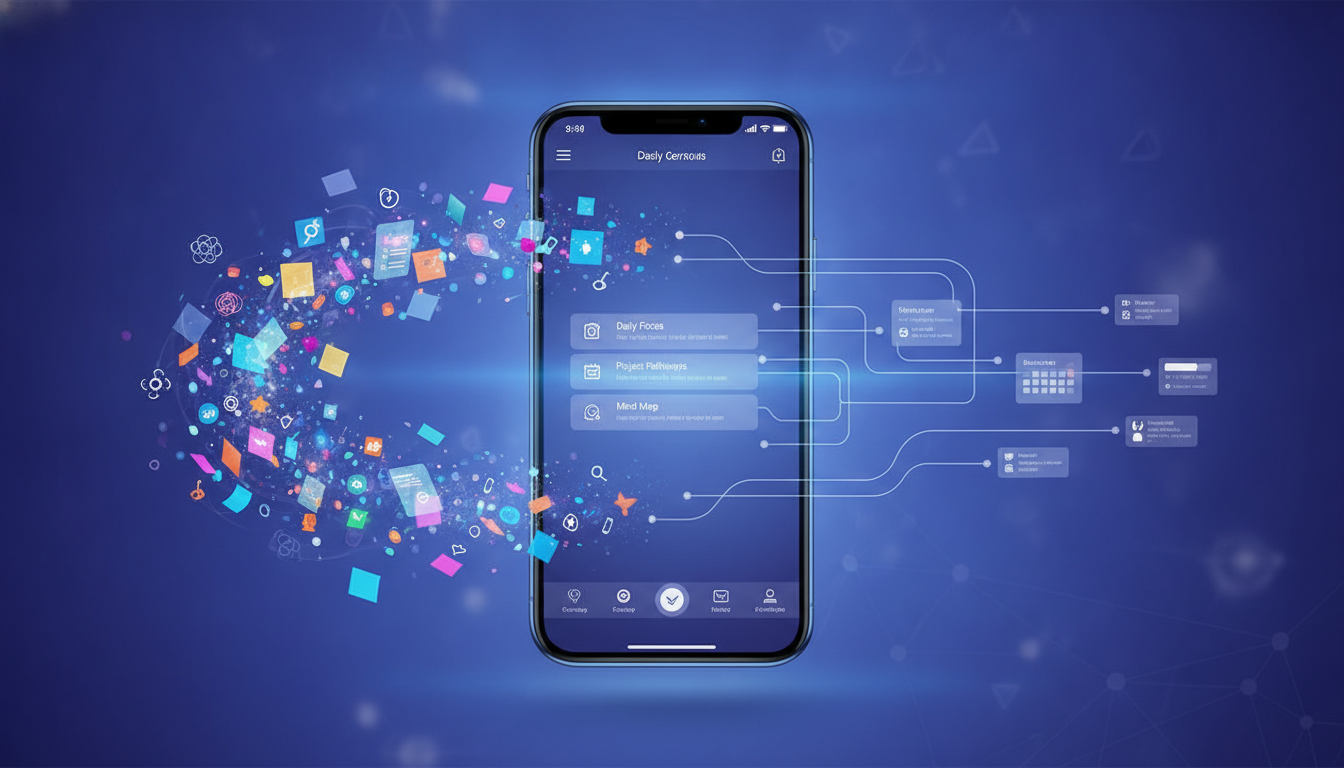
The Best ADHD Task Management App in 2026: What Actually Works (And Why)
It’s 10:40. You’ve had your coffee, you know exactly what the first task is, and you’re on your fourth lap of the same three apps. The to-do list is open in another tab. It has been open since 9.
If that sounds familiar, you’ve probably tried a lot of task managers. Most of them last about as long as the novelty does.
Not because they’re bad apps. Because they assume a lot. That you’ll feel like opening a blank list every morning. That “you have 8 tasks due” is a helpful notification. That knowing what to do is the hard part.
For many people with an ADHD brain, it isn’t. Starting is the hard part.
Here’s what to look for in a task app when that’s your problem, and where BeeDone fits (and where it doesn’t).
Why Standard Task Apps Often Fail People with ADHD
Most task managers are built like filing systems. You add items, sort them, check them off. Clean, logical, efficient.
Many people with ADHD run more on interest, novelty and urgency than on a tidy list. A list of 12 tasks with no obvious starting point can freeze you on the spot: too many choices, nothing pulling you in.
The common failure modes:
1. No reward for completion
You check off a task. Nothing happens. Some people get a quiet sense of satisfaction from that. Many people with ADHD get very little, and soon learn the app isn’t worth opening.
2. Infinite backlog anxiety
A task you didn’t do today doesn’t disappear. It stays, it multiplies, it becomes a wall of guilt. Every time you open the app, you see what you didn’t do instead of what you could do next.
3. Context collapse
Most apps don’t know you slept 4 hours or that you’re in a low-focus window. They show you the same 12 items whatever state you’re in.
4. The setup trap
Tags, subtasks, due dates, priorities, projects, views. An hour spent organizing the system feels productive and produces nothing. If you’re avoiding a task, this is the most comfortable hiding place there is.
What an ADHD-Friendly Task App Needs
Before looking at specific apps, here are the criteria we’d use:
Make starting tiny. One clear next step, small enough to do in about two minutes, no decision tree.
Reward the finish right away. Something you notice, not just a greyed-out checkbox.
Hide the overwhelm. Show what matters now, not everything that exists.
Stay interesting. A bit of variety so the app still gets opened in week three.
Support outside structure. Timers, body doubling or someone to answer to.
Most apps hit one or two of these. Few hit all five.
If your real problem is fitting work into a packed calendar rather than starting it, a planner-style app may suit you better. We compare the two approaches in BeeDone vs TickTick.
Where BeeDone Fits
BeeDone is a gamified to-do app designed with ADHD brains in mind. It turns tasks into quests, completions into XP and consistency into levels. That might sound gimmicky. The point is practical: put a reward right next to the moment you finish something.
BeeDone isn’t a medical app and doesn’t treat ADHD. It’s a tool for the moment you’re stuck at the start.
Tasks Become Quests
When you add a task in BeeDone, completing it earns XP and gems. Level up and you unlock new skills.
It changes the frame a little. “I have to finish this report” becomes “I’m 80 XP away from the next level.” The task is the same. What you get the second you finish it is different.
A Smaller First Step
The AI task split breaks a vague task into small steps, so the first one is something you can do in a couple of minutes. It unlocks at 85 XP and is free. Review the steps it suggests: a generated checklist is a draft, not a boss.
Fewer Things Staring at You
BeeDone separates one-off tasks, habits, routines and deep work sessions, so the screen isn’t one endless pile. It won’t make an overloaded week lighter, but it can make the next action easier to see.
Dopa, Your AI Coach
BeeDone has one AI coach, Dopa, a bee whose tone adapts to you. It reacts to what you’re doing rather than sending a generic “stay focused!” notification. External prompts in the flow of a task can make the difference between thinking about starting and starting.
Deep Work Timer With XP
The Deep Work timer adds XP to focus sessions. Finish a block and you earn it. Decide before you start what should exist at the end, so the reward goes to output, not to sitting still.
Mini-Games for Break Time
FlappyBee and BeeSnake are built into the app. After a task or a session, you can take a short break inside BeeDone instead of opening TikTok and losing 45 minutes.
Breaks are going to happen. Giving them a small, finite shape keeps the session from dissolving.
Pro, If You Need It
The free plan covers tasks, up to 3 habits, routines, the Deep Work timer, XP and the AI task split. Pro adds unlimited habits and two XP-gated skills: Task Roulette (120 XP), which picks your next task for you, and the Doomscroll Blocker (100 XP), which keeps your escape apps locked until you’ve done enough. Pro costs $7.99/month on the web with a 7-day trial, or $9.99/month and $59.99/year in the app stores.
BeeDone vs Other Task Management Apps
| Feature | BeeDone | Todoist | Habitica | TickTick |
|---|---|---|---|---|
| Game layer (XP, levels, rewards) | Yes, XP, levels, gems | Light (karma points) | Yes, full RPG with parties | Not the focus |
| AI help with tasks | AI task split + Dopa coach | AI features, check current plans | No built-in AI | AI features, check current plans |
| Focus timer | Deep Work timer | No built-in timer | No | Pomodoro timer |
| Mini-games | FlappyBee, BeeSnake | No | No | No |
| Main strength | Getting started, rewarded | Clean capture and projects | Social, RPG-style accountability | Tasks laid against your calendar |
Habitica is the closest gamified alternative. It’s older, more social and built around parties and quests. If you like a full RPG and group accountability, it’s a strong choice. If the busy interface wears you out, a leaner app may suit you better.
TickTick and Todoist are excellent if your main need is capturing and scheduling. They weren’t built around the moment you can’t start.
Who Is BeeDone For?
Good fit:
- People with an ADHD brain (diagnosed or not) who know what to do but can’t start
- Anyone who has quit several to-do lists around day three
- Students and knowledge workers who want tasks and focus sessions in one place
- People who respond better to visible progress than to willpower
Not a great fit:
- Teams managing complex projects with dependencies, Gantt charts or multi-member assignment
- People who find points and levels childish or distracting
- Anyone who wants a minimal “inbox zero” system with no game layer
- Workplaces that need deep integration with Asana, Jira or Notion
How to Use BeeDone When Starting Is the Hard Part
A few patterns worth trying:
1. Three quests per day, max. It’s easy to overestimate what a day can hold. Three real quests beat 12 hopeful ones.
2. Make the first step embarrassingly small. “Open the doc and write the title” counts. Use the AI split when the task is vague.
3. Use the Deep Work timer for anything over 20 minutes. Tie the XP to an output, not to “trying”.
4. Let something else choose on bad days. Ask Dopa what to start with, or use Task Roulette if you’re on Pro. Removing the decision lowers the bar to begin.
5. Treat mini-games as planned micro-breaks. One game after two finished quests. A reward, not an escape hatch.
6. Don’t try to capture everything. BeeDone isn’t your second brain. It’s where today’s real commitments live.
Conclusion
When starting is the problem, more willpower rarely helps. What tends to help is a smaller first step, a reward you can feel right away, visible progress and less on the screen.
Many task apps are built for people who find starting easy and just need to stay organized. BeeDone makes a different bet: make the first move tiny, pick it with you, and reward it the second it’s done.
If you’ve cycled through Todoist, Things, Notion and TickTick and nothing sticks, the problem might not be you. It might be the frame. And if points and levels aren’t your thing, that’s a fine answer too: keep the tiny first step and use whatever app you’ll actually open.
BeeDone is available on iOS and Android. The app includes tasks, habits, routines, deep work, AI coaching with Dopa, and built-in mini-games in a single gamified to-do system.
Keep Reading
- ADHD Productivity Apps That Actually Work in 2026
- ADHD Task Paralysis: How to Beat Decision Fatigue and Start the Right Task
- Why Big Tasks Feel Impossible: The Psychology of Task Chunking
Frequently Asked Questions
What’s the best task management approach for ADHD?
Externalize everything instead of relying on memory, shrink each task to a first step you can do in about two minutes, and attach an immediate reward to finishing it. Visible progress usually beats detailed planning.
Why do most task managers fail people with ADHD?
Most task managers assume steady internal motivation and show every missed task as a growing backlog. When motivation comes and goes, that design turns the app into a reminder of failure, so people stop opening it.
How can gamification support ADHD task management?
Gamification adds an external, immediate reward (XP, levels, streaks) to finishing a task. For many people with ADHD, that quick feedback makes starting easier than a plain checklist, though it doesn’t suit everyone.
Is BeeDone free?
BeeDone is free to start: tasks, up to 3 habits, routines, the Deep Work timer, XP and the AI task split are included. Pro adds unlimited habits, Task Roulette and the Doomscroll Blocker, for $7.99/month on the web or $9.99/month in the app stores.
Is BeeDone a medical app?
No. BeeDone is a gamified to-do app designed with ADHD brains in mind. It doesn’t diagnose or treat ADHD and doesn’t replace a doctor, psychologist or prescribed treatment.