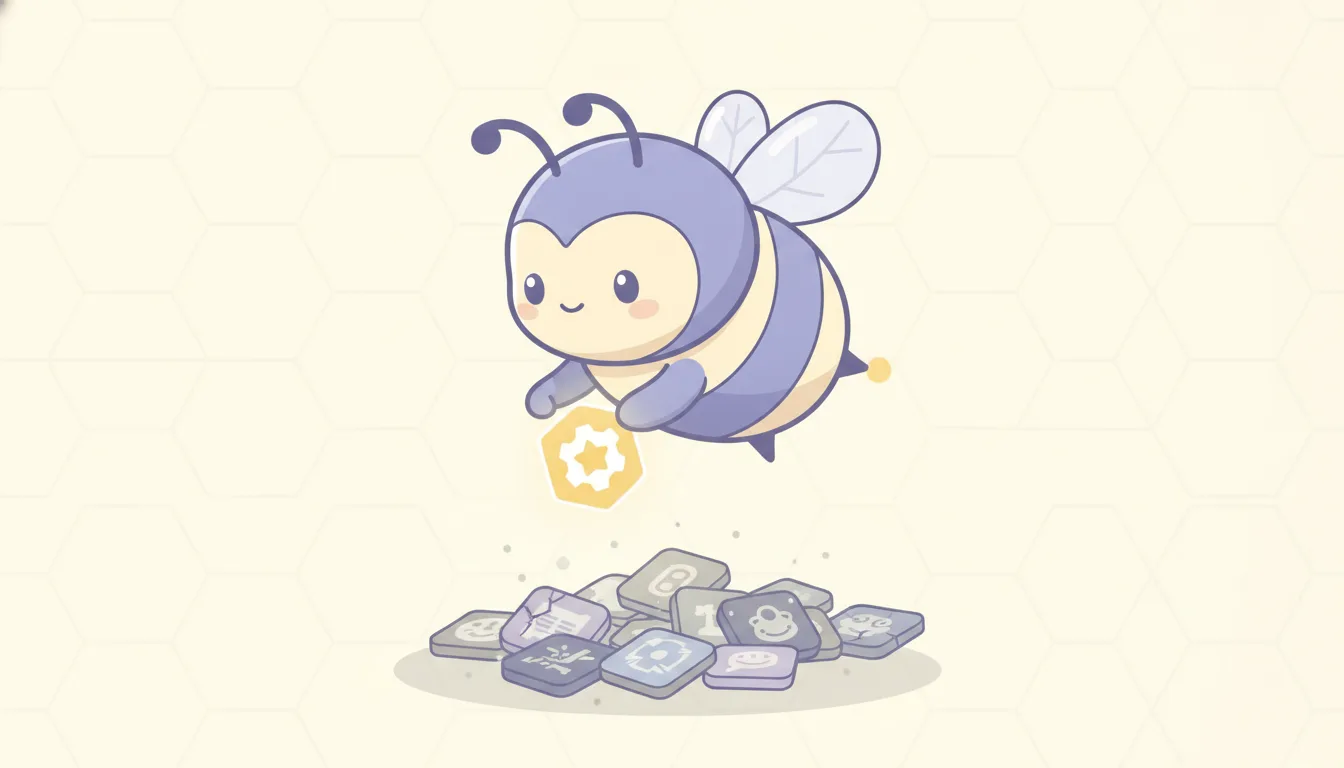
Why You Quit Every Productivity App After 3 Days (and What Actually Sticks)
Day one, you download it. You spend forty minutes setting it up. Colors, categories, a morning routine with seven steps. It feels like the start of a new life.
Day two, you use it. Mostly.
Day three, you forget it exists.
Two weeks later you find it on page four of your home screen, next to the other four you also stopped opening. You feel a small, familiar sting of guilt. Then you download a new one.
If this is you, you’re in very good company, and it’s probably not a character flaw. The cycle is predictable enough that you can take it apart.
The four stages of the app graveyard
People who live this describe almost the same sequence, almost word for word:
- Setup high. Building the perfect system feels like progress. It is fun. It’s also not the work.
- Honeymoon. The app is new, so it’s interesting. Novelty is doing the heavy lifting.
- The quiet drop. One busy day, you don’t open it. Nothing happens. The next day it’s a little easier not to open it.
- Guilt. You see the icon, remember the setup, and feel bad. Opening it now means facing the overdue list, so you don’t.
Each stage has a cause. None of them is “you’re lazy.”
Why it keeps happening
The app depends on you remembering it
This is the big one, and it’s a bit absurd when you say it out loud. You downloaded an app because you struggle to remember and start things. The app then works only if you remember to open it and start things.
For a brain that runs on what’s in front of it right now, an app on page four doesn’t exist. Out of sight really is out of mind.
Setting up is the fun part, and it’s the wrong part
Planning feels productive. It gives you the hit of making progress without any of the discomfort of the actual task. A lot of planners, especially beautiful visual ones, make the setup so pleasant that it becomes the activity.
Then the real day arrives, it doesn’t match the plan, and the plan becomes one more thing you’ve failed at.
Novelty runs out on schedule
New things are interesting. Interesting things are easier to engage with. That’s not a flaw, it’s how attention works for a lot of people, especially with ADHD.
Every app has a novelty curve, and it drops fast. If the app has nothing to replace novelty once it fades, you go looking for the next new thing. Often that’s another app.
A lot of apps punish you for being human
Streaks are a good example. A 40-day streak feels great until day 41, when you get sick and it resets to zero. Plenty of people quit right there, because starting again from zero feels worse than not starting at all.
Habitica users know a version of this: miss enough tasks and your character takes damage, sometimes dies. For some people that’s motivating. For many, it’s one more reason to avoid opening the app on a bad day, which is exactly the day you needed it.
”How long does a habit take” has a less tidy answer than you think
You’ve probably heard “21 days to form a habit.” It has no solid source. The study people usually cite instead is Phillippa Lally’s 2010 work at University College London, which tracked 96 volunteers building one daily habit each. The median time to automaticity was about 66 days, and the range ran from 18 to 254.
It’s a useful study, and it has real limits: a small sample, self-reported data, and simple habits like drinking water. But the takeaway holds. Habits take longer than an app’s honeymoon, and missing a day here and there didn’t wreck the process for participants. So an app that treats one missed day as failure is working against the evidence.
What actually sticks
None of this means apps can’t work. It means the ones that last for people who quit everything tend to share four traits.
1. It shows up where you already are
The fix for “I forget it exists” isn’t more willpower to remember. It’s putting the app in a place you can’t avoid. Widgets on the home screen help. Notifications help, a bit, until you mute them.
Stronger: tie the app to something you already do twenty times a day. For most people, that’s opening TikTok or Instagram.
2. The first step is tiny
“Write the report” is a wall. “Open the doc and write one bad sentence” is a step. It sounds silly, and it works because starting is usually the hardest part. Once you’re moving, continuing is often easier than you expect.
BJ Fogg’s Tiny Habits (2019) is built on this idea. It’s a book, not a controlled trial, but the advice matches what people with task paralysis keep saying they need: lower the bar until it’s almost on the floor.
3. “Enough” counts
Systems that only reward finishing everything set you up for a daily failure. Systems where one or two small wins make it a “good day” give you something to come back to, even after a bad week.
This is the difference between an app you reopen after three days off and one you delete.
4. The reward is now, not later
“You’ll feel great in 66 days” doesn’t move anyone at 3 p.m. on a Tuesday. A small, visible reward the second you finish a step does. Points, a sound, a bar filling up. It feels a little childish to admit, and it works anyway.
Where BeeDone fits
We built BeeDone around those four traits, partly because we kept watching people (and ourselves) quit apps on day three.
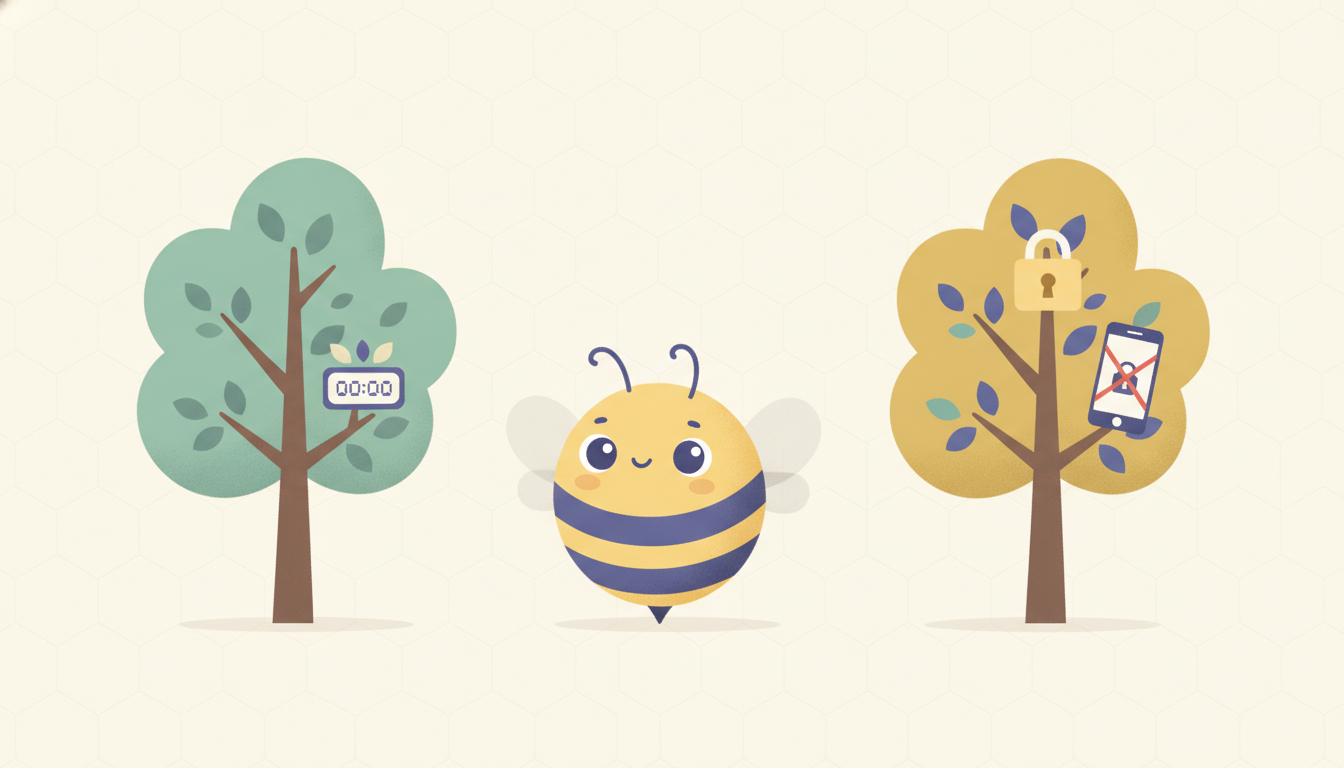
- It shows up where you are. With Pro, the Doomscroll Blocker sits in front of the apps you escape into. When you open TikTok, BeeDone is what you see. You can’t forget an app that greets you at the exit.
- The first step is tiny. You type the task you’re avoiding, and BeeDone helps cut it into a first step you can do in two minutes. When you can’t choose, Task Roulette picks for you.
- “Enough” counts. You set a daily XP goal. One small win can reach it. Your apps unlock when you’ve done enough, not when the list is empty. And if a day goes wrong, a streak freeze covers it instead of sending you back to zero.
- The reward is now. Every step earns XP the second it’s done, and Dopa, the bee who coaches you in the app, reacts to it.
To be honest about the trade-offs: the blocker and Task Roulette are Pro skills that unlock as you earn XP (100 and 120 XP), so you build up to them over your first days. The free plan covers tasks, routines, up to 3 habits, the Deep Work timer, XP and AI task splitting once you reach 85 XP. The blocker works on iPhone and Android, not on the web app.
BeeDone is the wrong choice if what you want is a calm, visual plan of your whole day. A planner like Tiimo or Structured will suit you better. It’s also not for you if game elements of any kind put you off: XP and levels are part of how BeeDone works, not a skin on top.
BeeDone is built with ADHD brains in mind, but it isn’t a medical app. If the cycle is affecting your work or your health, talking to a professional is worth more than any app, ours included.
If you only take one thing from this
Next time you install a productivity app, skip the forty-minute setup. Add one thing you’re avoiding, make the first step ridiculously small, and do it in the next five minutes. If the app makes that easy, keep it. If it makes you plan first, you already know how this ends.
Keep Reading
- Apps That Lock TikTok Until You’ve Done Your Tasks: 6 Options Compared (2026)
- ADHD Task Paralysis: How to Beat Decision Fatigue and Start the Right Task
- The Planning Trap: Why Organizing Your Tasks Feels Productive (But Isn’t)
- BeeDone vs Habitica: Which Gamified Productivity App Actually Works? (2026)
- BeeDone Reviews: What App Store Users Actually Say, Good and Bad
Frequently Asked Questions
Why do I stop using productivity apps after a few days?
Most people stop because the app depends on them remembering to open it, and the novelty that carried the first few days runs out. Long setup, punishing streaks and all-or-nothing goals make it worse, because one bad day turns into a reason to avoid the app.
Is quitting apps a sign of ADHD?
Not on its own. Lots of people abandon apps. People with ADHD often describe the cycle more intensely, because novelty and what’s in front of them drive attention so strongly. Only a professional can assess ADHD; an app-quitting habit isn’t a diagnosis.
How long does it take to build a habit?
In Phillippa Lally’s 2010 study at University College London, the median was about 66 days, with a range from 18 to 254 days. The study was small (96 people) and self-reported, but it suggests habits take far longer than the popular “21 days,” and that missing a single day doesn’t ruin the process.
What kind of productivity app is easiest to stick with?
The ones that show up where you already are, make the first step tiny, count partial progress as a good day, and reward you immediately. Apps that need a long setup or only reward a fully finished list are the hardest to keep using.
How do I stop forgetting to use my to-do app?
Put it in front of a habit you already have. A home-screen widget helps. A stronger option is an app that appears when you open the apps you escape into, like BeeDone’s Doomscroll Blocker (Pro), so the to-do list is the first thing you see instead of the feed.
BeeDone is available on iOS and Android. The app includes tasks, habits, routines, deep work, AI coaching with Dopa, and built-in mini-games in a single gamified to-do system.