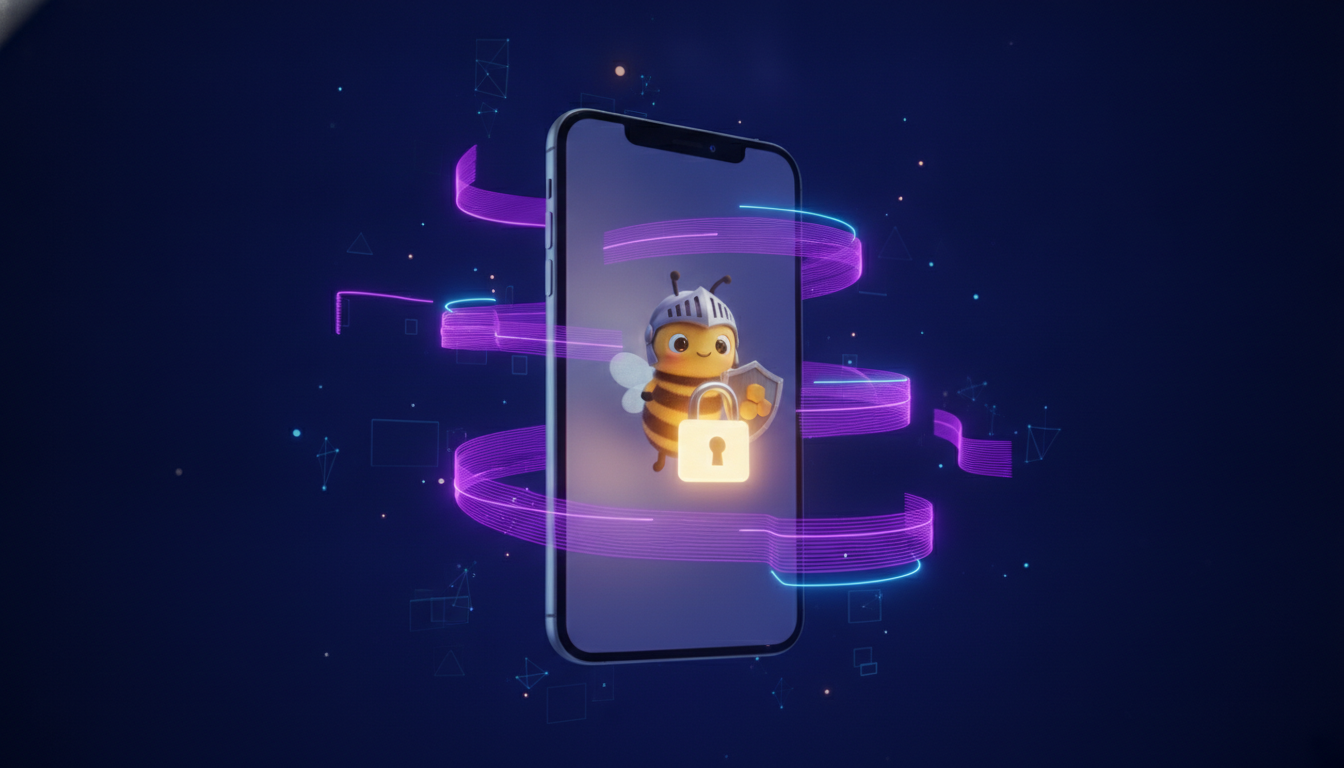
Stop Doomscrolling: How BeeDone's Lock-Screen Mechanism Breaks the Scroll Cycle
You open Instagram for thirty seconds between tasks. Forty-five minutes later you are watching a stranger pack a suitcase in slow motion, your to-do list untouched, and the guilt settles in. Then you do it again at lunch, and again at 10 p.m. in bed.
This is not a moral failing. Doomscrolling — the compulsive consumption of short-form content long past the point of enjoyment — is a design exploit. Every major social platform is built around an infinite scroll, a variable reward schedule, and a notification system optimized to capture attention, not serve it. The apps are winning because they were built to win.
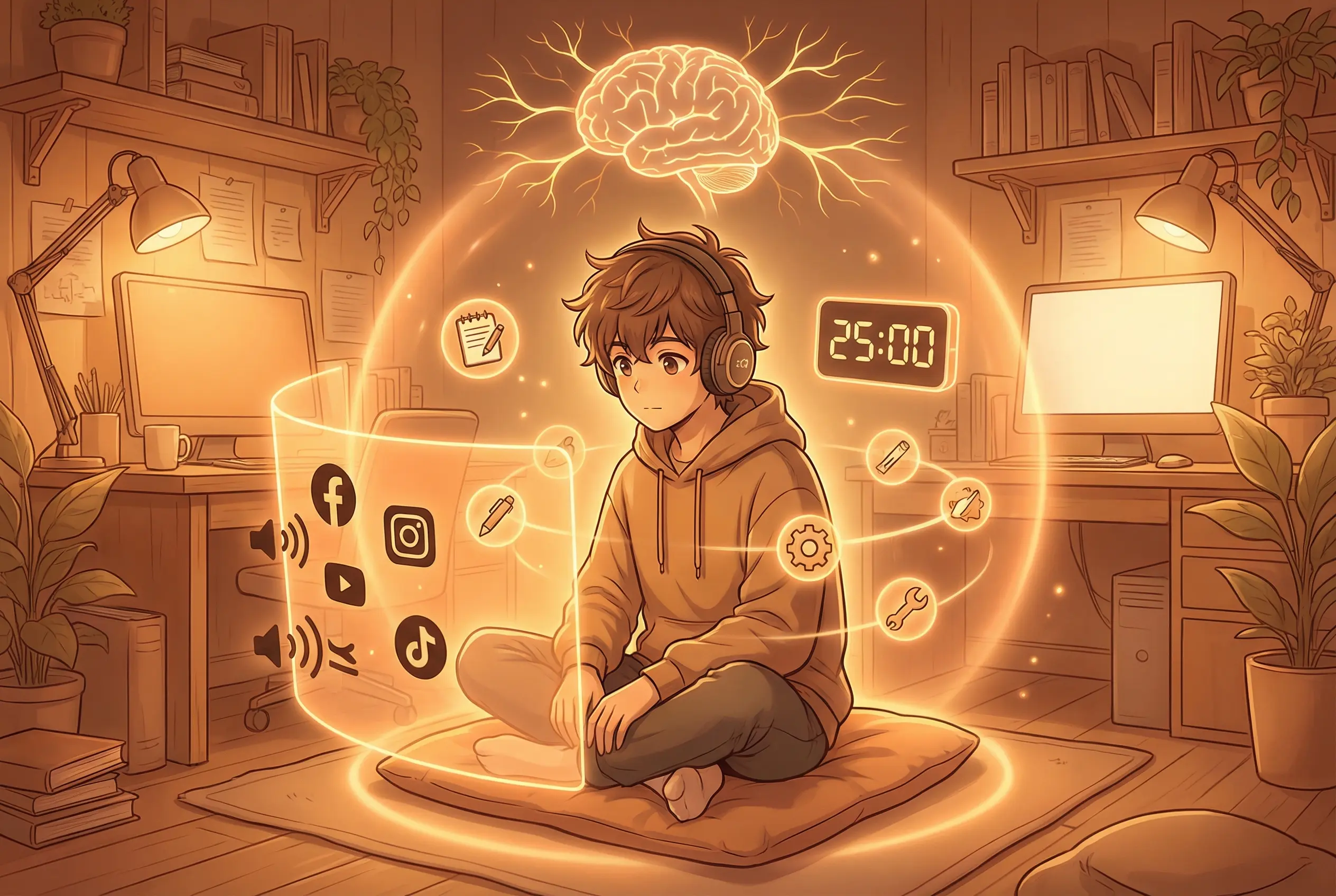
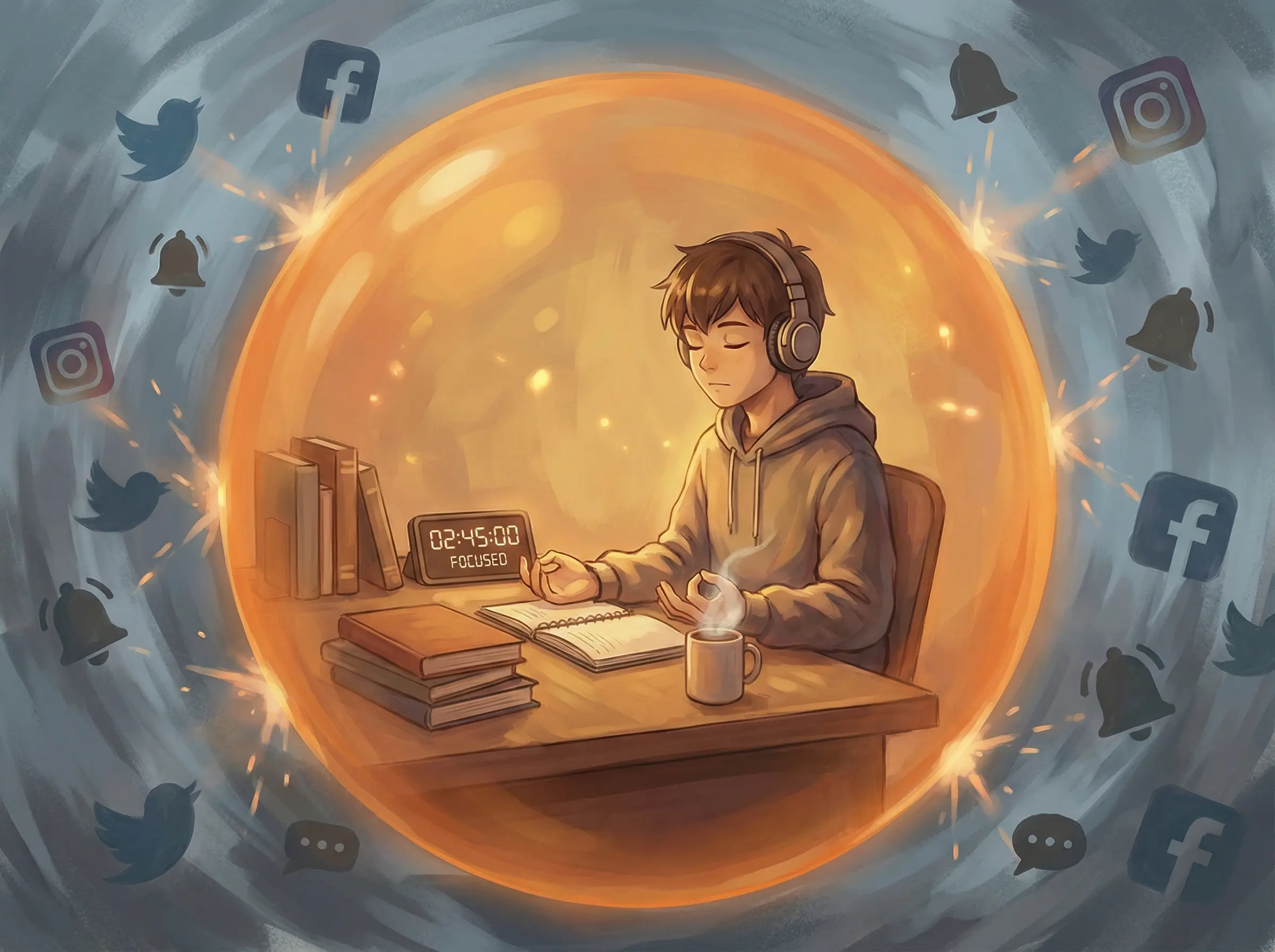
BeeDone’s Doomscroll Blocker treats the fight differently. Instead of asking for willpower, it changes the rules of the game: the distracting apps stay physically locked until you meet your daily productivity goal. Unlock them, guilt-free, when the work is done. Then the lock resets every morning.
This article explains why doomscrolling hijacks your brain, why conventional solutions fail, and how BeeDone’s lock-screen mechanism — backed by gamification, an AI coach, and the Dopa mascot — actually stops the cycle.
What Doomscrolling Does to Your Brain
Doomscrolling works because it exploits the dopamine reward system — the same neural pathway that gamified productivity apps try to recruit for good habits.
The Variable Reward Trap
Every time you pull-to-refresh, there is a chance you will see something novel, funny, or rage-inducing. That uncertainty — maybe this next scroll will be good — triggers a dopamine release before you even see the content. This is the same mechanism that makes slot machines addictive. B.F. Skinner demonstrated it in the 1950s with pigeons pecking at variable-interval feeders, and social media has refined it to an art form.
A 2019 study from Harvard found that checking social media activates the same neural regions as addictive substances. The average person checks their phone 96 times per day, according to research from tech analytics firm dscout. Each check is a tiny slot-machine pull. Individually they cost nothing. Multiplied across a day, they fragment attention into unusable shards.
The 23-Minute Recovery Cost
The University of California, Irvine published a landmark study on task-switching costs: after an interruption, it takes an average of 23 minutes to return to the original task at full cognitive depth. Not seconds. Minutes.
This means a single “quick” scroll session — even one that lasts two minutes — can cost nearly half an hour of productive time. Across a workday, three or four scroll interruptions can erase two hours of deep work. That is not a productivity dip; it is a productivity collapse.
Why Willpower Is Not the Answer
The conventional advice — “just put your phone down” — assumes that willpower is a muscle you can strengthen. Research by Roy Baumeister and others shows that willpower is a depletable resource. Every decision, every resisted impulse, every small act of self-control drains the same cognitive pool. By evening — exactly when doomscrolling peaks — your willpower reserves are empty.
This is especially acute for ADHD adults. A 2020 meta-analysis in Clinical Psychology Review confirmed that people with ADHD show significantly lower performance on tasks requiring sustained attention and impulse control. Telling an ADHD brain to “just stop scrolling” is like telling someone with poor eyesight to “just see better.” The hardware is different.
How BeeDone’s Doomscroll Blocker Works
BeeDone takes a structural approach: instead of asking you to resist temptation, it removes the option to fail.
The Lock-Screen Mechanism
The Doomscroll Blocker is a gamified app-blocking system built directly into BeeDone. Here is exactly how it works:
| Step | What Happens | Why It Works |
|---|---|---|
| 1. Pick your traps | You select the apps that steal your focus (TikTok, Instagram, YouTube, Twitter, games, etc.) | Customization avoids a generic one-size-fits-all block |
| 2. Set your daily XP goal | BeeDone calculates a daily XP target based on your tasks and habits | The goal adapts to your actual workload, not an arbitrary timer |
| 3. Try to open a blocked app | The moment you tap a locked app, BeeDone intercepts and shows a lock screen | No willpower needed — the friction is physical, not psychological |
| 4. Earn your unlock | Complete tasks, check habits, and hit your daily XP. Every win chips away at the lock | Gamification turns work into a progress bar, not a chore |
| 5. Enjoy guilt-free scrolling | Once unlocked, the apps are available normally. The next morning the lock resets | Zero shame, zero maintenance — a fresh start every day |
The key insight is in step three: the block is not a reminder or a nag screen. It is a genuine system-level block. You cannot swipe it away, dismiss it, or snooze it. The only way through is to earn enough XP by completing real tasks in BeeDone.
What Makes It Different from Forest or Screen Time
Most digital-wellness tools fall into two camps:
Passive blockers (Apple Screen Time, Android Digital Wellbeing) rely on timers that you can override with a single tap. They are designed to be bypassed, which means they train you to ignore your own boundaries.
Tree-planting apps (Forest, Flora) grow a virtual tree while you stay focused, but they do not actually block anything. If the urge to check Instagram is strong enough, you kill the tree and scroll anyway. The consequence — a dead digital sapling — is not strong enough to compete with a dopamine hit.
BeeDone’s Doomscroll Blocker is different because it uses physical app-level blocking combined with gamified earning. You cannot kill a tree and move on. The app stays locked until you earn the XP. There is no bypass button.
| Feature | Forest / Flora | Screen Time | BeeDone Doomscroll Blocker |
|---|---|---|---|
| App blocking | None (timer-only) | Timer with bypass | Hard block — no bypass |
| Gamification | Virtual tree grows | None | XP earning, streaks, Dopa mascot |
| Reward structure | Passive (grow tree) | None | Active (earn unlock) |
| Reset cadence | Per session | Weekly | Daily auto-reset |
| ADHD-friendly | Low (can quit anytime) | Low (bypassable) | High (no willpower needed) |
Deep Work Mode: The Complementary System
The Doomscroll Blocker prevents distraction from entering, but BeeDone also helps you build focus from the inside out with its Deep Work mode.
Focus Timer + AI-Coached Task Selection
Deep Work mode combines a Pomodoro-style focus timer with BeeDone’s AI Coach. Before a session starts, the AI Coach reviews your pending tasks and habits, then suggests what to work on based on your current energy level, time available, and priority. This removes the decision paralysis that often stops people from starting a focus session in the first place.
The habit-task adapter — a recent addition — unifies habits and tasks into a single focus queue. So a Deep Work session might include:
- A project task (45 minutes)
- A habit check-in (5 minutes to meditate or stretch)
- A routine task (15 minutes of inbox cleaning)
All in one continuous flow, no switching between apps or lists.
The Unified Roulette: When You Cannot Decide
Some days even picking which task to focus on feels impossible. That is where BeeDone’s roulette wheel comes in. It spins through your pending tasks and due habits together, surfacing a single item to work on next. The decision cost drops from “what should I do?” to “spin and go.”
The roulette was recently unified to pull from both the task list and the habit list, making it a true one-stop decision tool for ADHD-friendly productivity.
Dopa Makes the Blocker Feel Playful, Not Punishing
One of the reasons digital-wellness tools fail is that they feel punitive. A timer that cuts you off feels like a scolding parent. A dead tree feels like a failure.
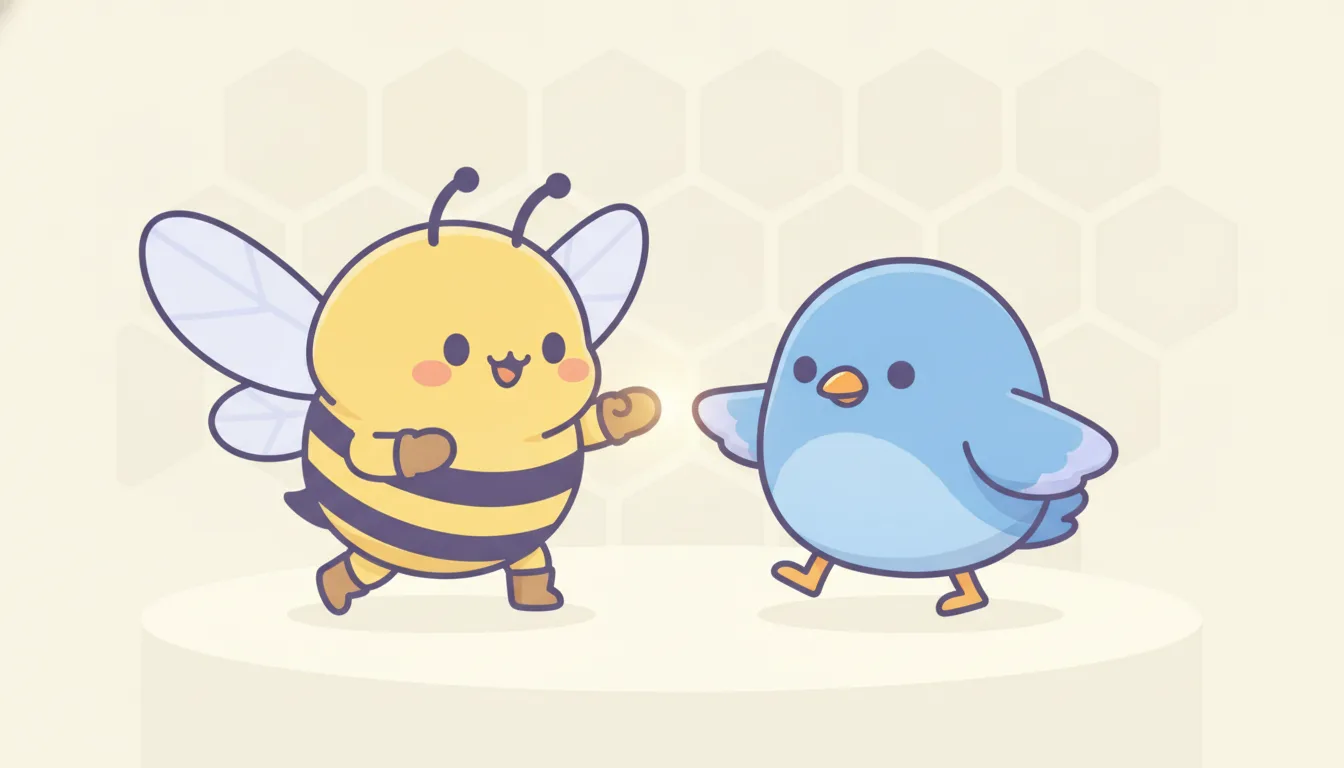
BeeDone’s Dopa mascot changes the emotional tone. Dopa — a honeybee named after dopamine — is the face of the Doomscroll Blocker. When the lock screen appears, Dopa is there, watching, patient. The skill badge for the Doomscroll Blocker has Dopa’s signature periwinkle pentagon shape. The lock screen uses BeeDone’s game-like UI rather than a stern gray system dialog.
This matters because emotion drives habit formation. A study in Frontiers in Psychology (2021) found that positive affect during a habit-building activity significantly increases the likelihood of the habit sticking. When the blocker feels like a game you are playing with Dopa rather than a restriction imposed on you, compliance goes up and resentment goes down.
How to Set Up the Doomscroll Blocker in 3 Minutes
Getting started takes less time than one scroll session:
- Open BeeDone and navigate to the Skills section.
- Select Doomscroll Blocker from the skill list.
- Pick your blocked apps — choose the 2-5 apps that steal most of your focus time. BeeDone suggests TikTok, Instagram, YouTube, and Twitter by default, but you can customize fully.
- Set your daily XP goal — BeeDone auto-calculates this based on your normal task load. Adjust up or down.
- Start your day — the lock is active immediately. Try opening one of the blocked apps to see Dopa’s lock screen in action.
The blocker re-arms automatically every morning. No daily setup, no reminders to turn it on, no shame cycles when you forget.
Why This Matters for ADHD Productivity
The ADHD brain does not respond well to delayed consequences or abstract goals. “Focus better today” is not a useful instruction. But “complete three tasks and Instagram unlocks” is concrete, immediate, and actionable.
The Doomscroll Blocker works with ADHD wiring rather than against it:
- Immediate feedback loop: Every completed task moves the progress bar. The reward (unlock) is visible and close.
- Reduced decision fatigue: You do not decide whether to scroll. The app decides for you.
- External structure: The lock screen provides the executive function that the ADHD brain struggles to generate internally.
- No shame spiral: Because the lock resets daily, there is no “I ruined my streak, might as well give up” moment.
A 2024 study from the University of Cambridge on digital interventions for ADHD found that environmental restructuring — changing the environment rather than demanding self-control — was the single most effective strategy for sustained attention. BeeDone’s Doomscroll Blocker is textbook environmental restructuring.
The Bottom Line
Doomscrolling is not a character flaw. It is a design exploit that the most powerful technology companies have spent billions perfecting. Fighting it with willpower alone is like fighting a professional boxer with one hand tied behind your back.
BeeDone’s Doomscroll Blocker changes the game. It locks the apps that steal your focus, makes you earn your screen time through real productivity, and resets every morning with zero shame. Combined with the Deep Work mode, the AI Coach, and the unified roulette wheel, it creates a complete focus system — not another timer you can ignore.
If you have tried every “just put the phone down” trick and it has not stuck, the problem is not you. It is the approach. Try a system that blocks before you have to resist.
Try the Doomscroll Blocker on BeeDone — free on iOS, Android, and Web. Set it up in three minutes and see if your scroll habit survives a week with Dopa watching.
Frequently Asked Questions
What is doomscrolling and why is it bad?
Doomscrolling is the compulsive habit of endlessly consuming short-form content — social media feeds, short videos, news — past the point of enjoyment or utility. It is harmful because it fragments attention, increases anxiety by exposing the brain to a constant stream of negative or high-arousal content, and can consume hours of productive time per day through the variable-reward dopamine loop that social platforms are designed to exploit.
How is BeeDone’s Doomscroll Blocker different from Screen Time?
Apple Screen Time and Android Digital Wellbeing use soft timers that can be dismissed with a single tap. BeeDone’s Doomscroll Blocker uses a hard block — the app stays locked until you earn enough XP by completing real tasks and habits. There is no bypass button, snooze option, or “ignore for today” setting. The only way through is to be productive first.
Does the Doomscroll Blocker block all apps or just social media?
You choose which apps to block. BeeDone suggests the most common focus-stealing apps — TikTok, Instagram, YouTube, Twitter/X, and mobile games — but you can customize the list to block any app on your device. Most users block 2 to 5 apps. Blocking too many at once can be overwhelming, so starting with the top two or three is recommended.
Can I use the Doomscroll Blocker without the Deep Work mode?
Yes. The Doomscroll Blocker and Deep Work mode are independent features. The blocker works purely on the lock-earn-unlock cycle regardless of whether you use the focus timer. That said, combining both creates a stronger system: Deep Work mode handles the “what to work on” question while the blocker handles the “don’t get distracted” question.
Is the Doomscroll Blocker effective for ADHD?
Yes. The blocker is designed specifically for ADHD brains by removing the need for willpower at the moment of temptation. Instead of asking you to resist a distraction, it physically prevents access until you complete real work. This environmental restructuring approach — changing the environment rather than demanding self-control — is backed by research as the most effective strategy for ADHD sustained attention.